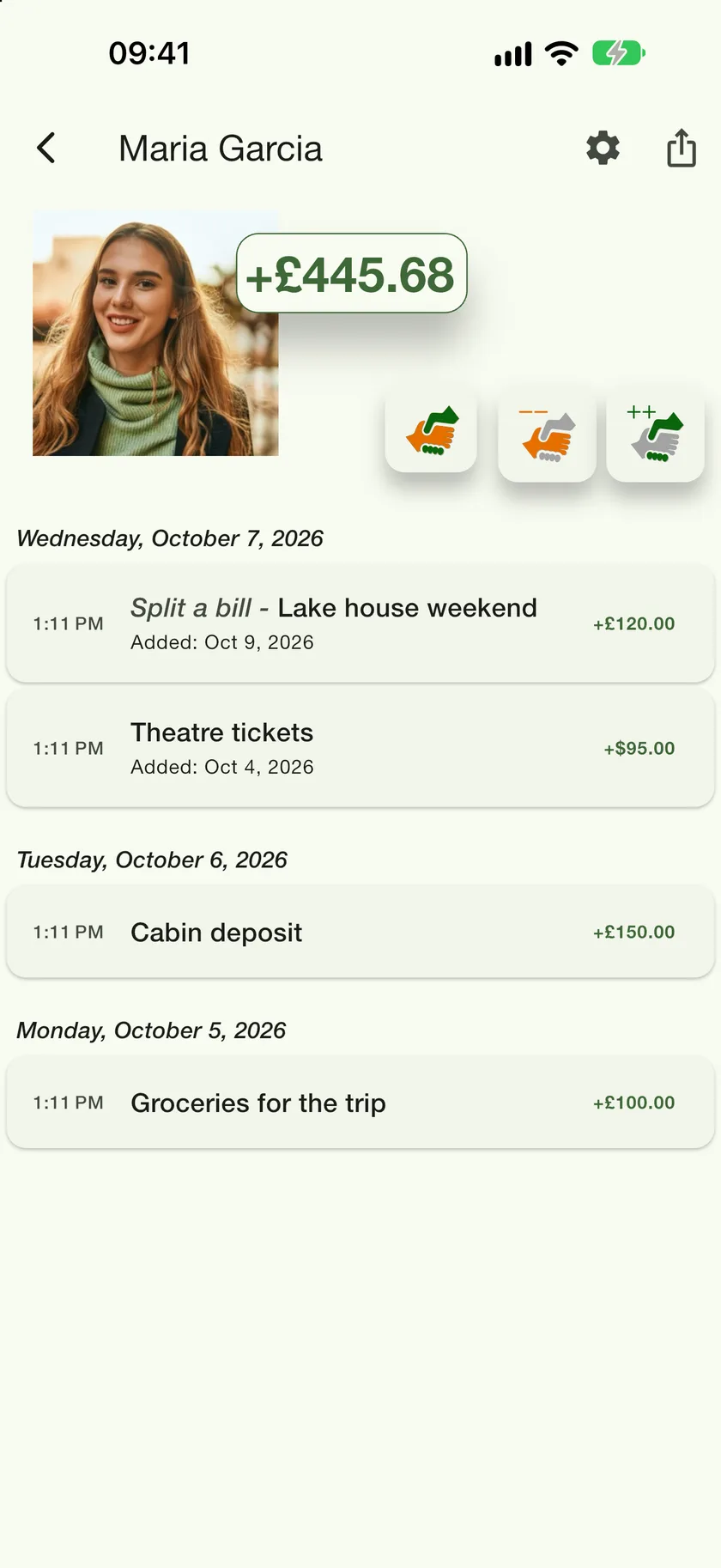



Split a bill
Type in the items, drag people onto what they had, and turn the result into IOUs on each person's ledger with one tap.
Updated
A bill is a saved split: the items, who had what, who paid, and the resulting payment plan. Saving the plan writes an IOU onto each person's ledger, so you never have to work out the arithmetic twice.
- 1
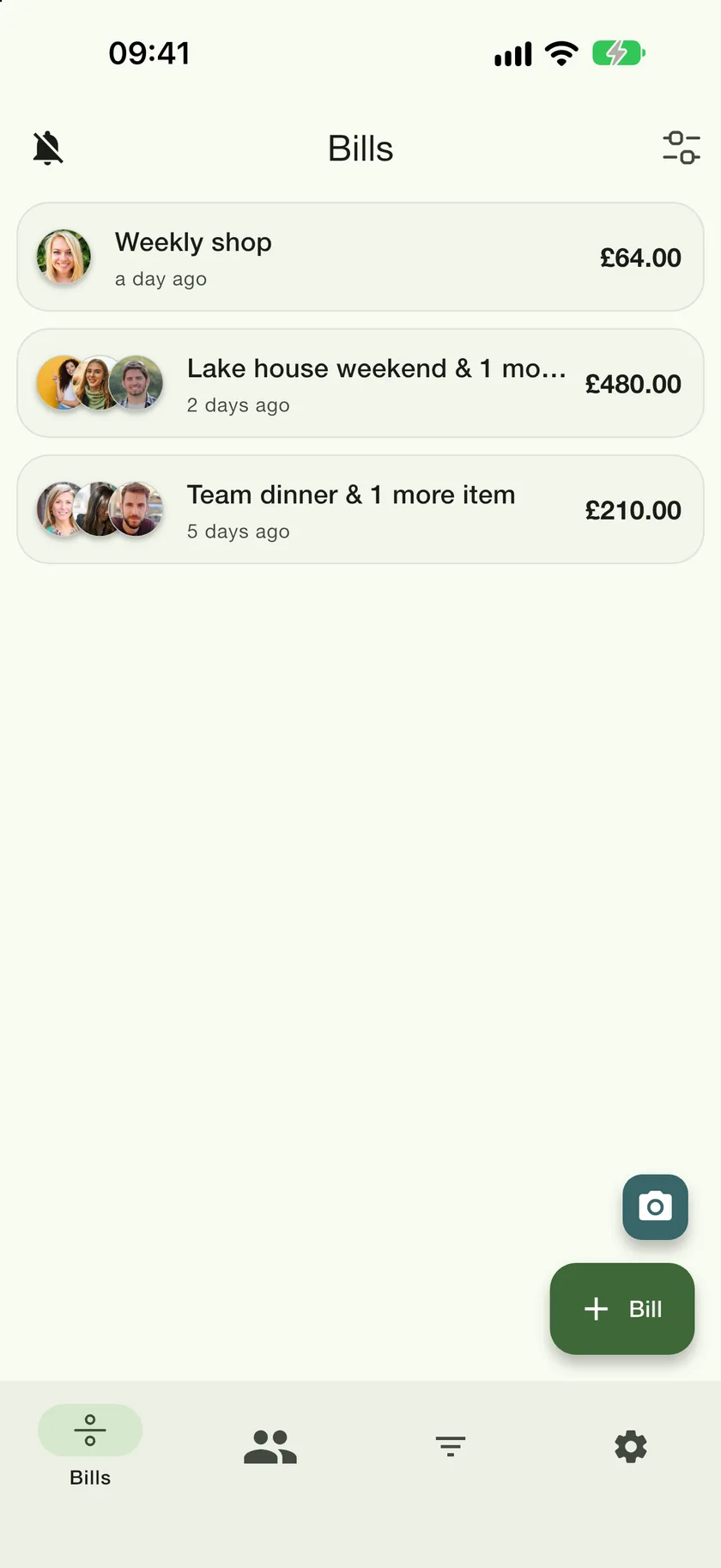
Open the Bills tab and tap Bill
The first icon in the bottom bar.
- 2
Add the items and the people
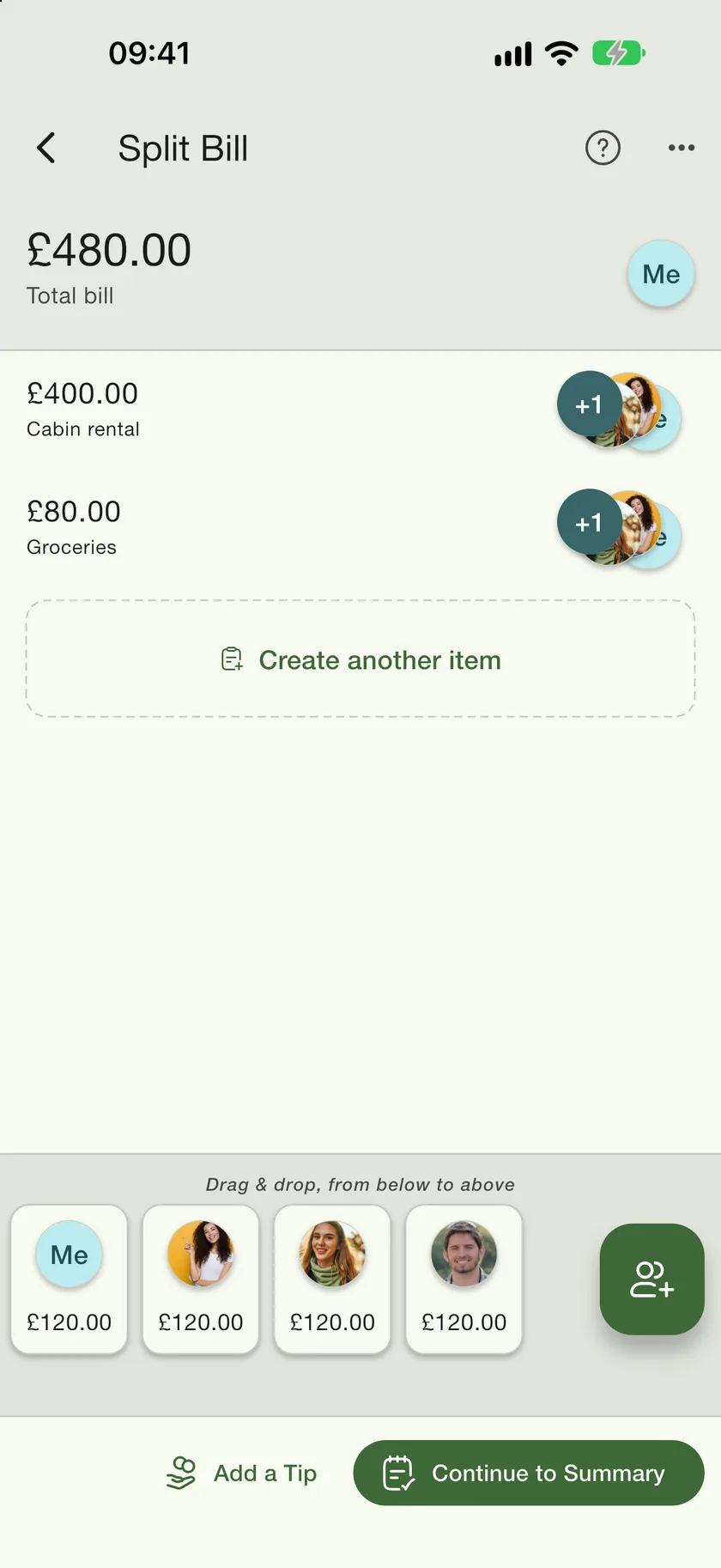
Tap Create another item for each line on the receipt. The people are in the tray at the bottom; tap the add-person button to bring in more. Drag a person from the tray onto an item and they share it. The little counter on an item shows how many people are on it.
- 3
Add a tip, then continue
A tip is shared in proportion to what each person had. Continue to Summary shows the payment plan.
- 4
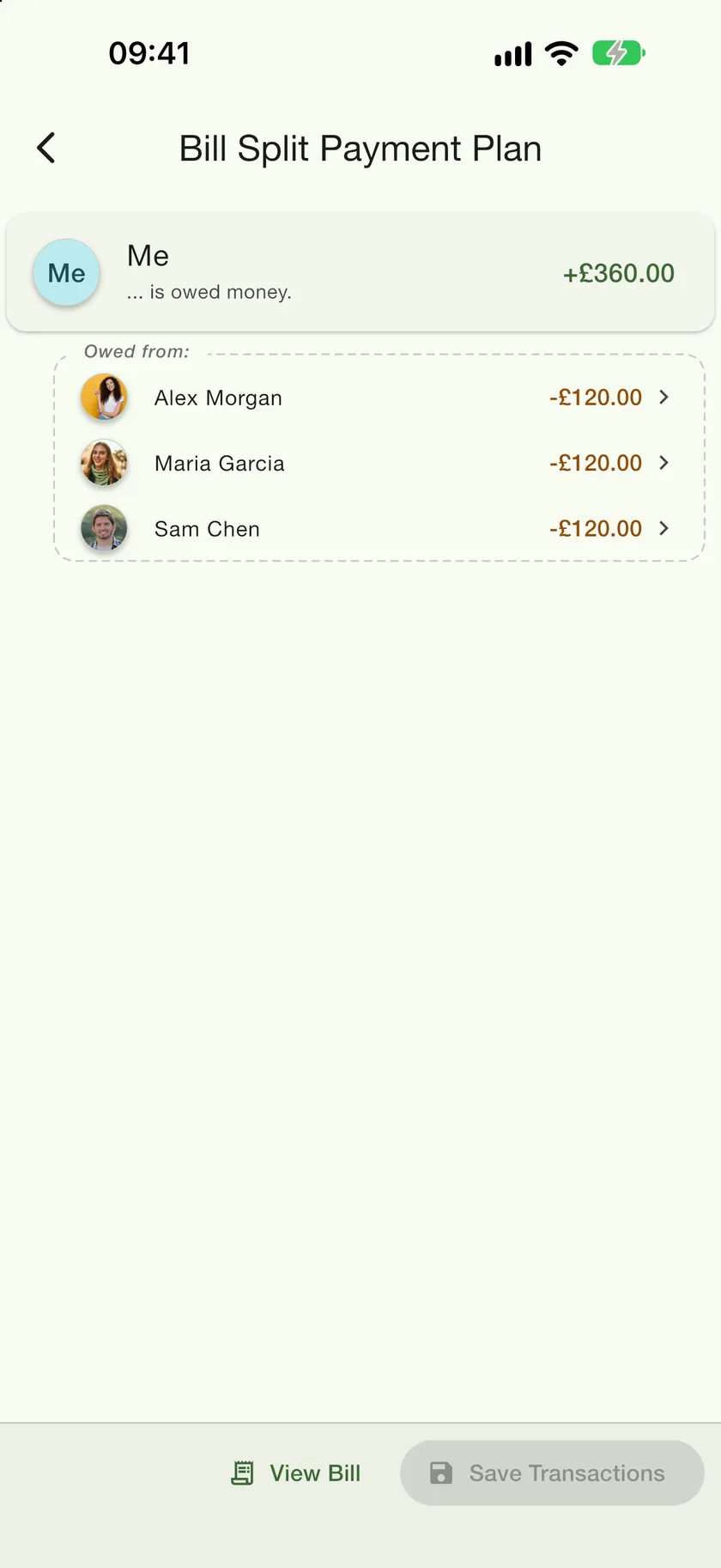
Save the transactions
The plan is the smallest set of who-pays-whom transfers; anyone who comes out even drops out. Save Transactions writes one IOU per transfer onto the right ledgers.
What happens next
Each transfer becomes an entry labelled Split a bill on that person's ledger, with the bill's name as the reason. If a friend on the bill is a linked contact who uses PayMeLater, the bill appears in their Bills tab too, they get a notification, and either of you can edit it. The ledgers follow the bill: change an item or a share and the linked entries update on their own.