

Record a payback and settle up
When money comes back, log it as a payback so the balance drops and the entry reads as a repayment, not a new debt.
Updated
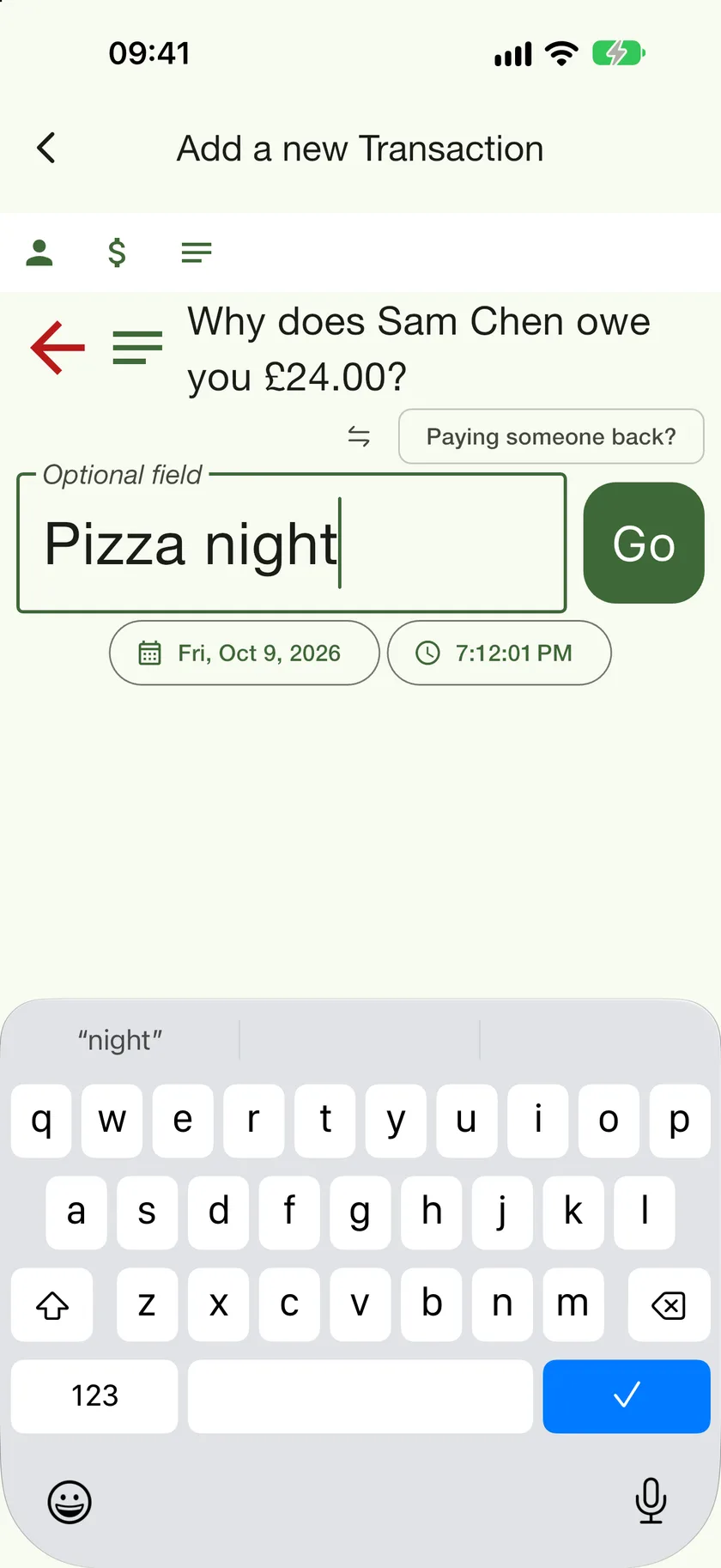
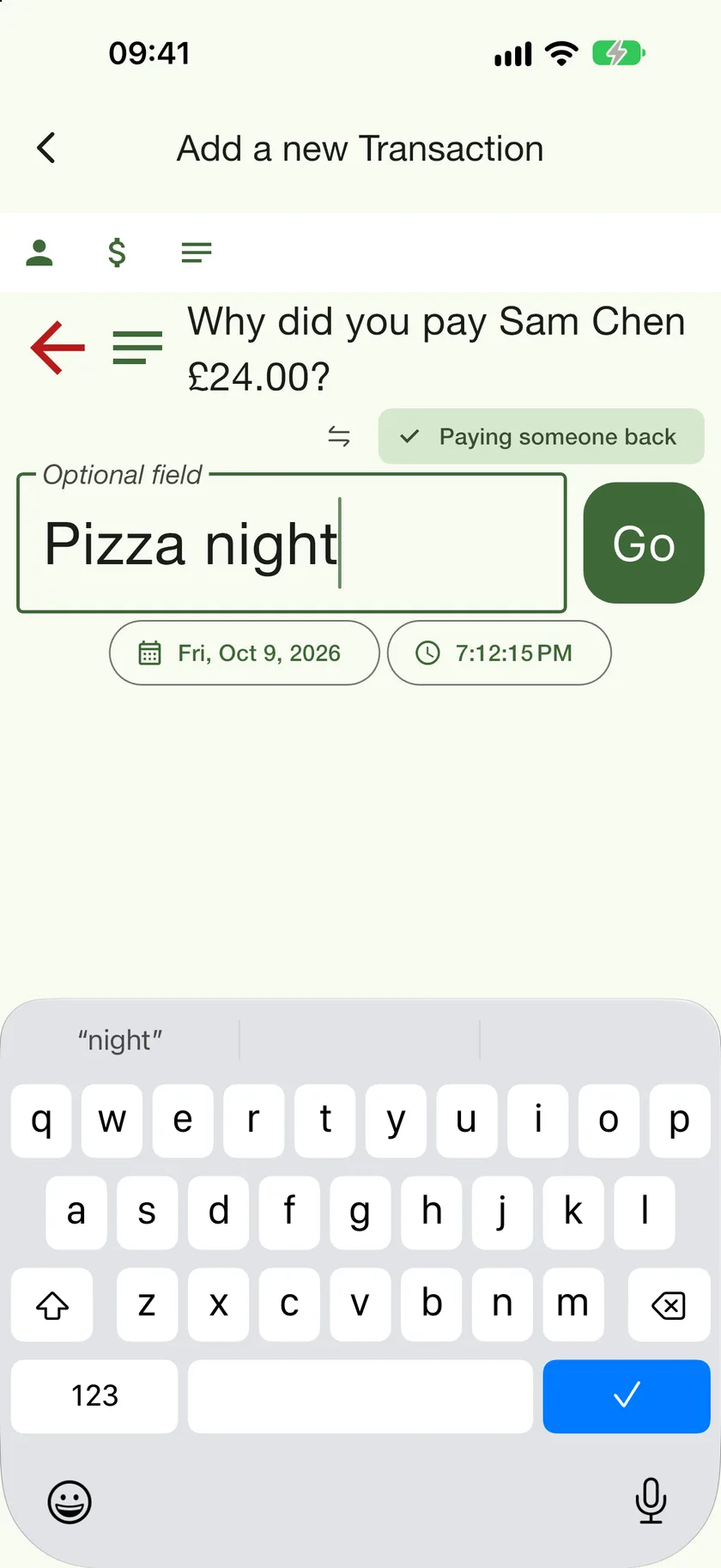
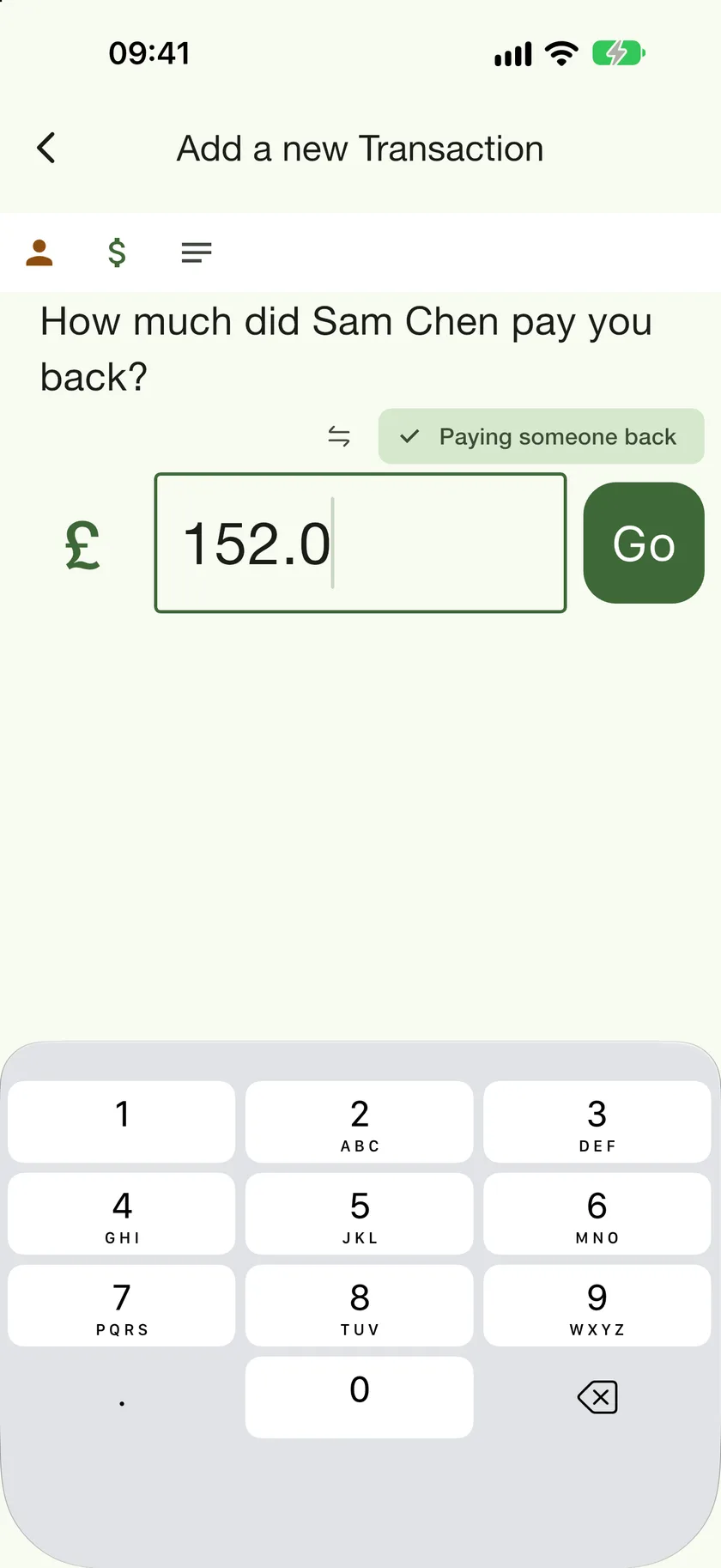
A payback is a transaction like any other, with one flag set: Paying someone back. That flag changes the question the app asks, labels the entry "Paid back" on the ledger, and makes the balance move towards zero instead of away from it.
From a contact's ledger
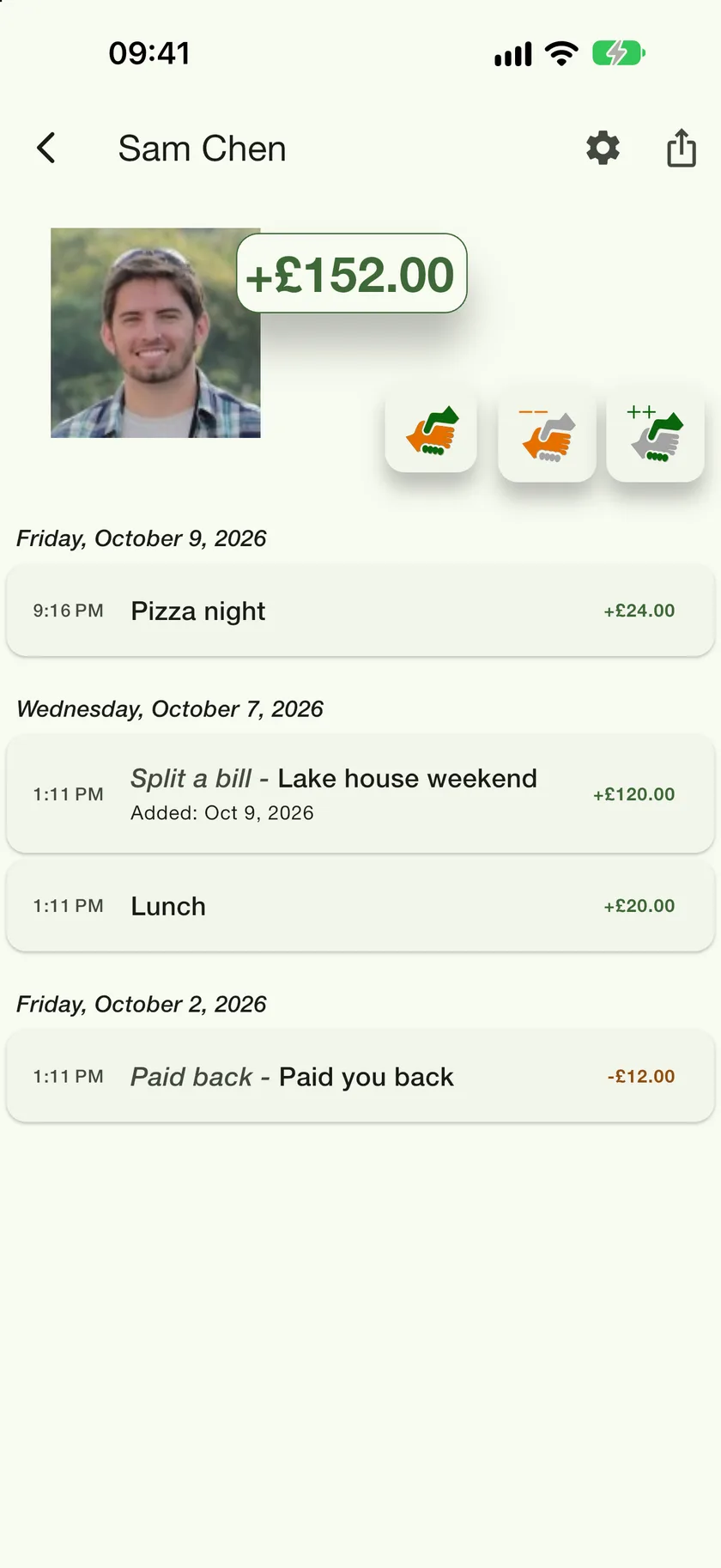
The quickest route is the row of handshake buttons under the balance. They pre-fill who the entry is with and which way the money went, so you only type the amount.
- 1
Settle Up
Shown whenever the balance is not zero. It opens a payback with the person, the direction and the full outstanding amount already filled in, so tapping Go brings the balance to £0.00. Change the amount first if only part of it came back.
- 2
Owes less, owes more
The two handshakes add an ordinary entry that moves the balance down or up. Use them for new money changing hands, and Settle Up or the payback switch for repayments.
- 3
How a payback looks
Paybacks are labelled "Paid back" on the ledger and in the details, so a year later you can still tell a repayment from a new loan.
From the Transaction button
Adding a transaction from the Contacts tab works too: tap Paying someone back? on any step and the questions change from "owes" to "paid".